10 Free AI Tools in 2026 That Actually Save Creators Money
Ten free AI tools for content creators in 2026, tested on real videos — honest pros, cons, and which ones actually earned a permanent spot in the workflow.

Umer Khan has spent the last two years building and testing AI-assisted content workflows for YouTube, from scripting to 2D animation. He writes about what actually works in AI video production including the parts that don't.
Most "best AI tools" lists are written by someone who read ten other lists and reshuffled the order.
This one isn't. Every tool below has actually been used — for scripts, voiceovers, image generation, or editing — on real videos that went out to a real audience. Some of these earned a permanent spot in my workflow. A couple didn't survive past the free trial.
Here's what's worth your time, and what isn't.
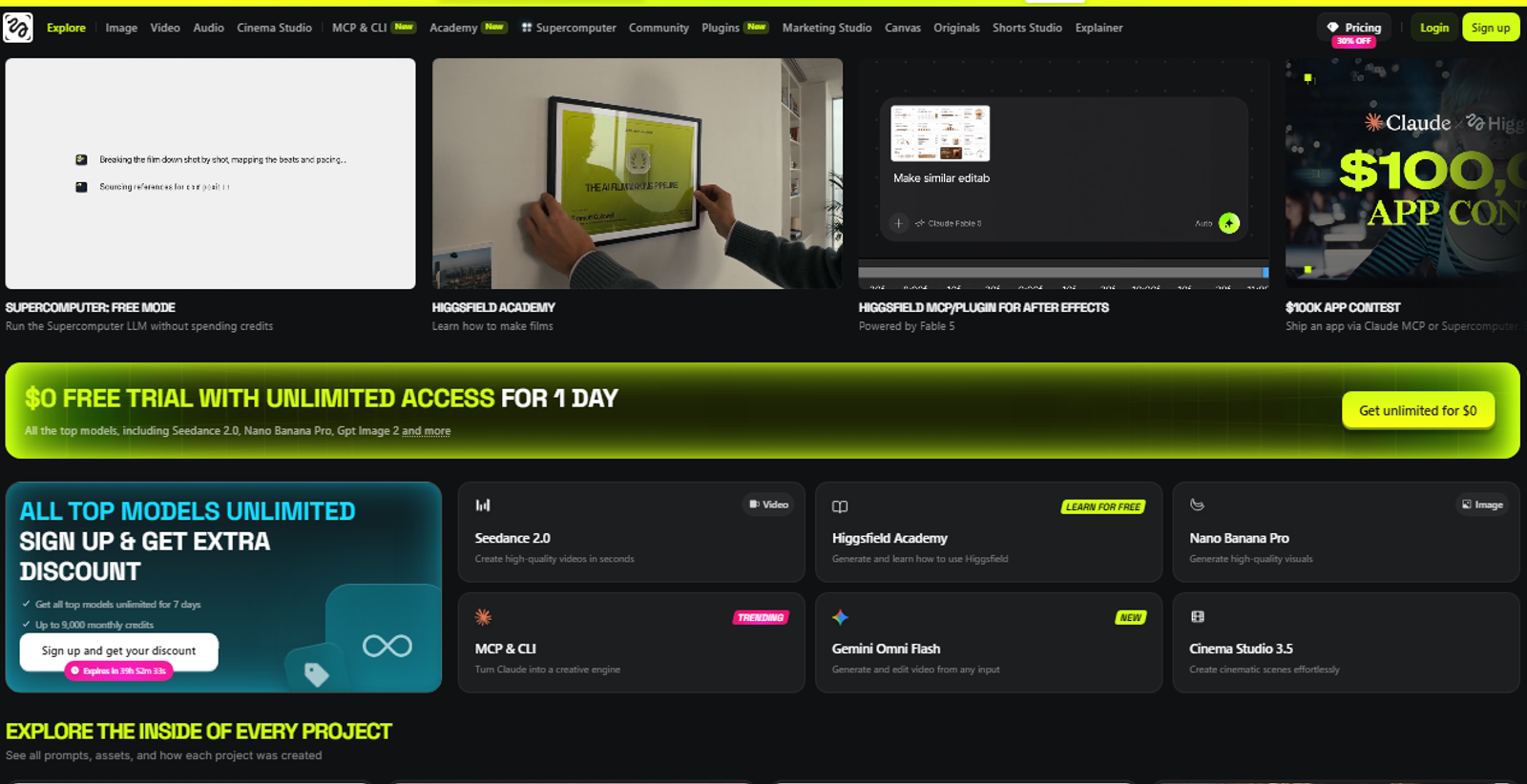
1. Higgsfield — AI Video Generation
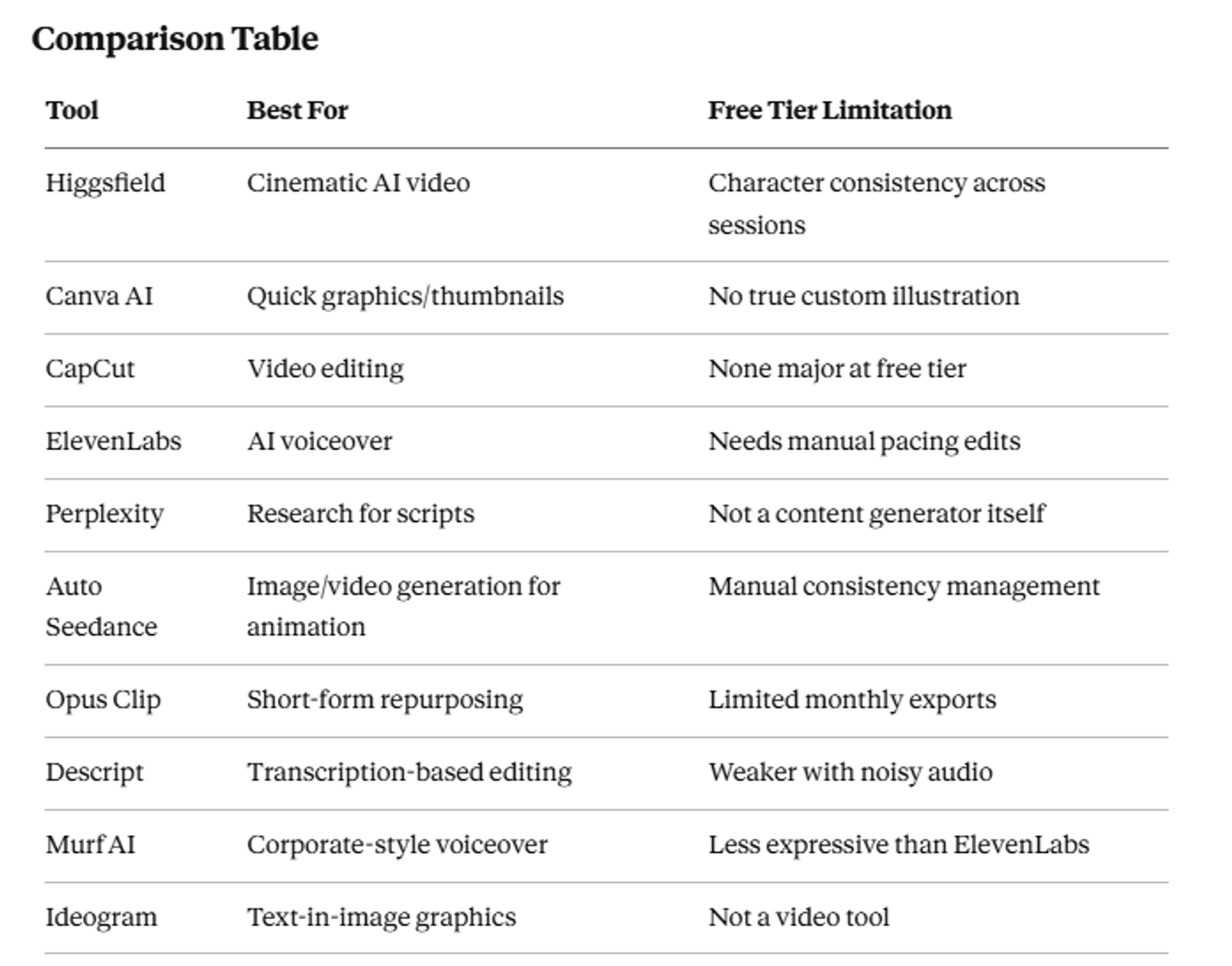
Higgsfield launched in 2025 and grew fast, mostly on the back of viral camera-move effects that flooded short-form platforms. By 2026 it's become a genuine multi-model video studio — Cinema Studio for shot-by-shot direction, Soul ID for character consistency, and access to several underlying models in one place.
Free tier is available with no credit card required. That alone put it ahead of a lot of "free" tools I've signed up for that ask for payment details on day one and then quietly auto-bill you later.
I ran a few explainer-style test clips through Cinema Studio before touching any paid tier. The shot-by-shot camera control genuinely surprised me — it's not just "generate a video," it's closer to directing one.
The catch, from actually pushing it: talking-head and UGC-style outputs look polished, but character identity didn't persist reliably across separate sessions for me. If you're building a recurring on-screen persona, expect extra prompt work to keep faces consistent. I had to regenerate a face twice in one session to keep it from drifting.
2. Canva AI — Design and Graphics
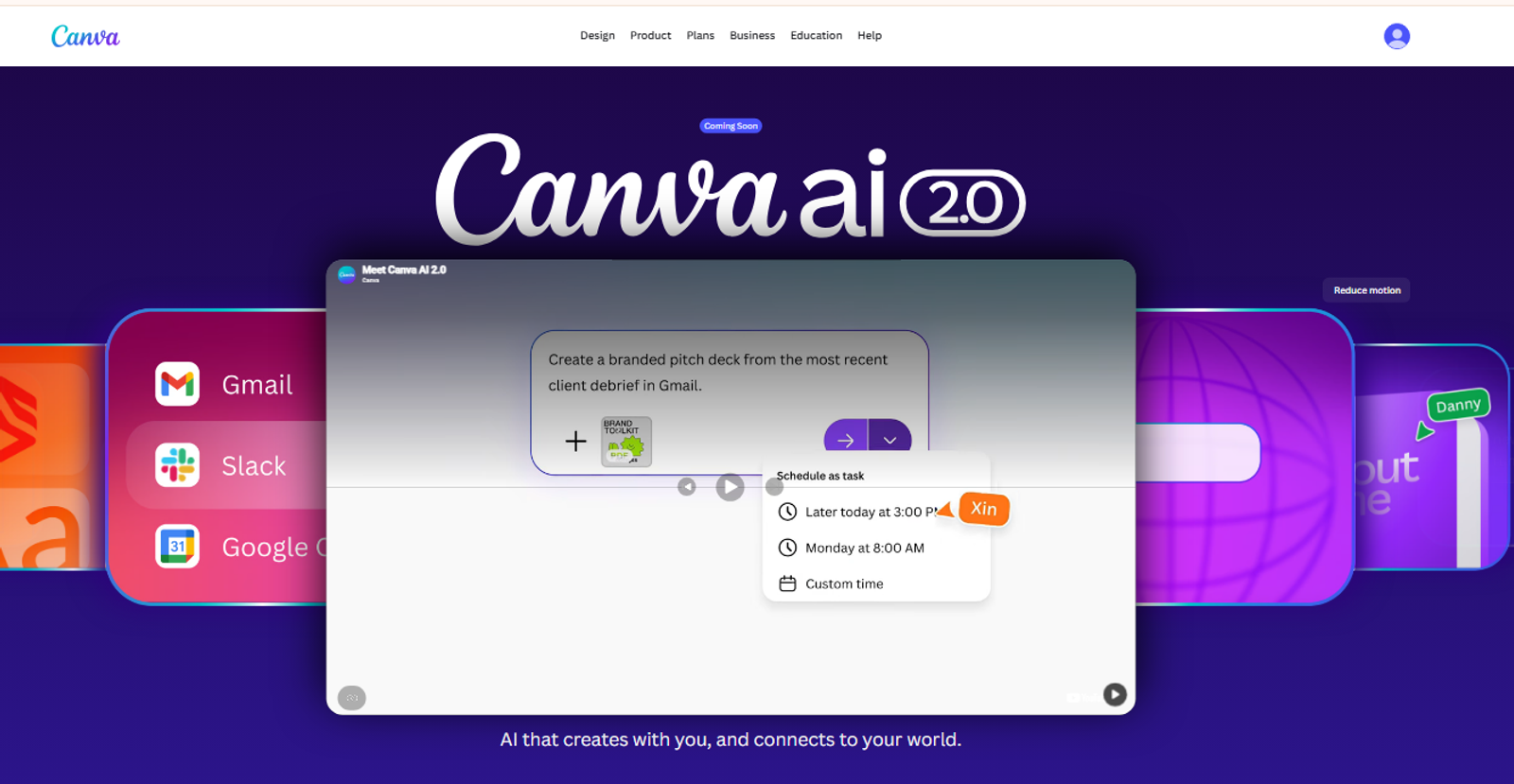
Nothing revolutionary to report here — Canva AI still does what it's always done, just faster. I use it mainly for thumbnails and quick social graphics, and the free plan has never felt limiting for that.
Where it falls short, in my own use: anything requiring true custom illustration. I tried getting it to produce a specific character pose once and gave up after three attempts. Canva AI is a productivity tool, not a design-from-scratch tool.
3. CapCut — Video Editing
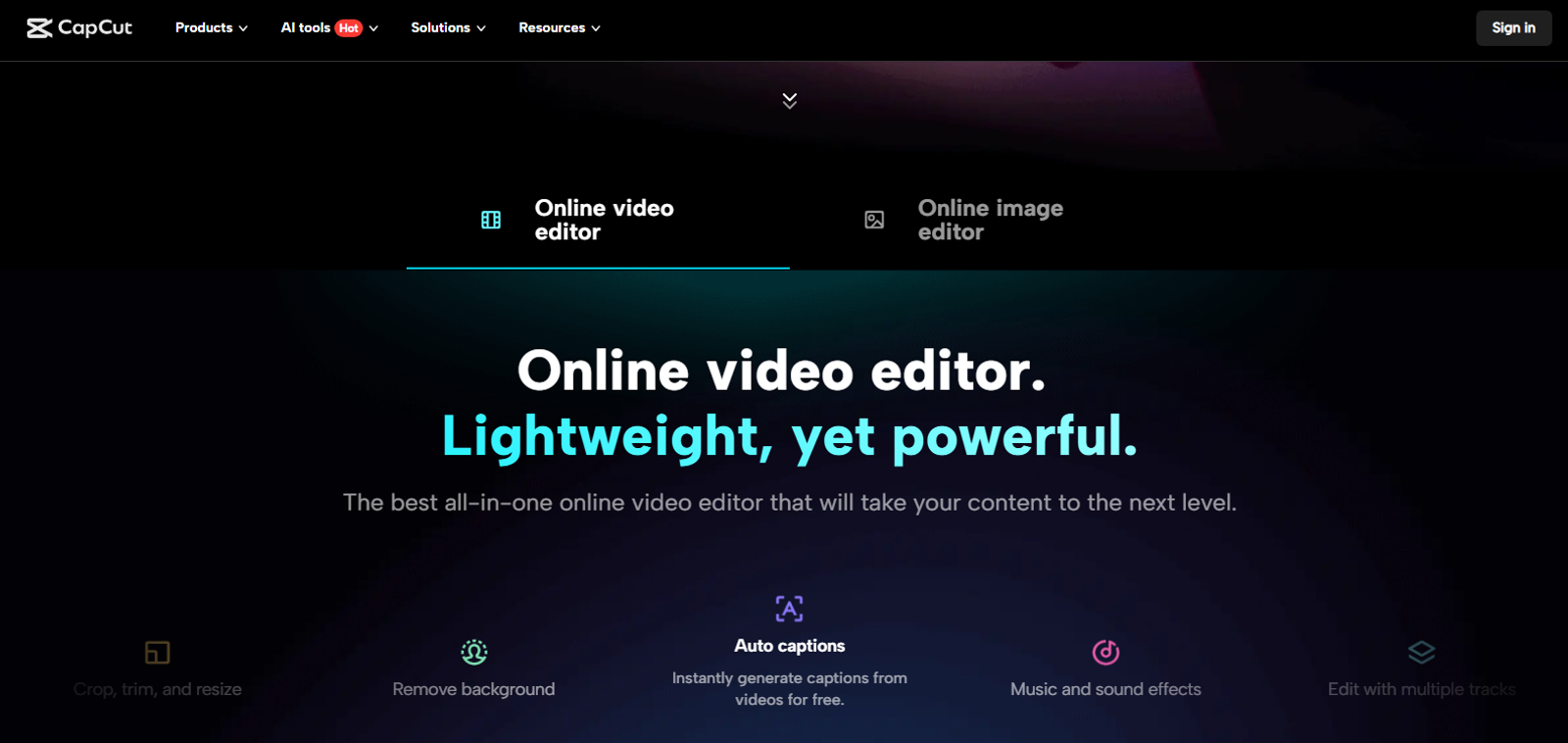
CapCut remains the default choice for a reason. Free, fast, and the auto-caption feature alone saves real editing time. Background noise removal and one-click green screen work well enough for solo creator output.
I use it for every single video I publish. Not because it's flashy — because it's reliable.
4. ElevenLabs — AI Voiceover
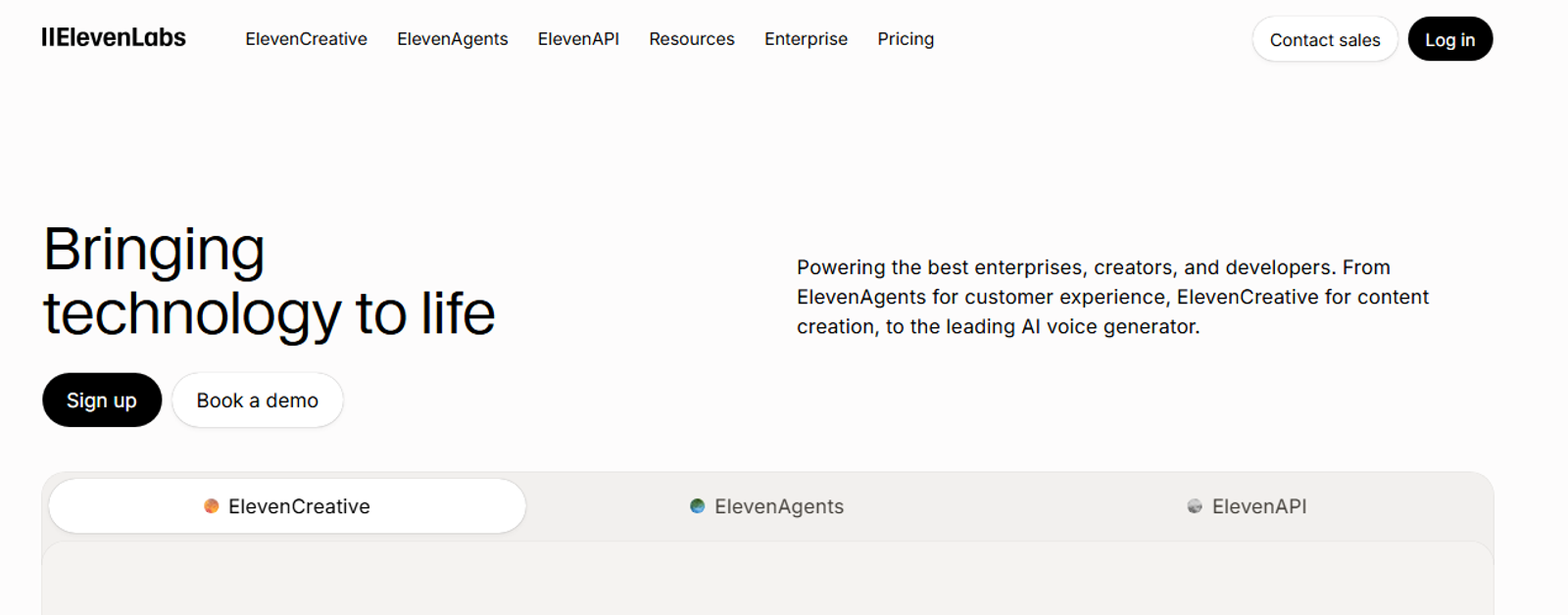
If you're not recording your own voice, ElevenLabs is the free-tier standard. I've used it on scripts where my own voice wasn't the right fit, and voice quality on the free plan is genuinely usable for narration, not just a stripped-down demo.
One honest warning, from having skipped this step once and regretted it: raw output straight out of the tool still sounds slightly flat in longer sentences. Edit the pacing before you publish. Don't skip that step.
5. Perplexity — Research
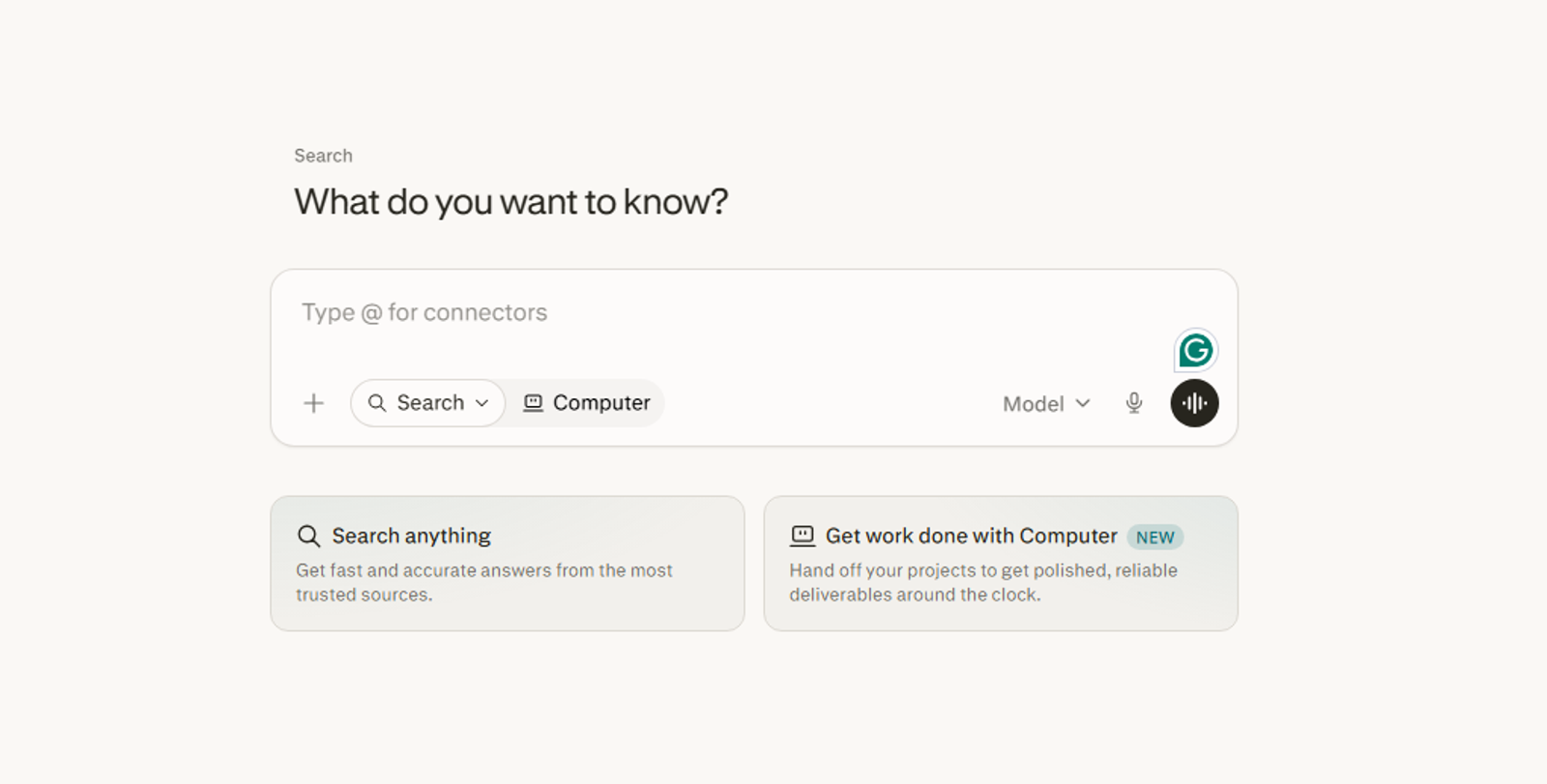
Perplexity isn't a content generator. It's a research shortcut — and an underrated one for script writing. I used to dig through ten browser tabs for one statistic. Now it pulls sourced answers directly, with citations attached, and I check the source before it goes in a script.
Free plan covers core research needs. For scripting factual or explainer content, this has cut real time off my process — probably the least talked-about tool on this list for what it actually saves.
6. Auto Seedance — AI Image and Video Generation
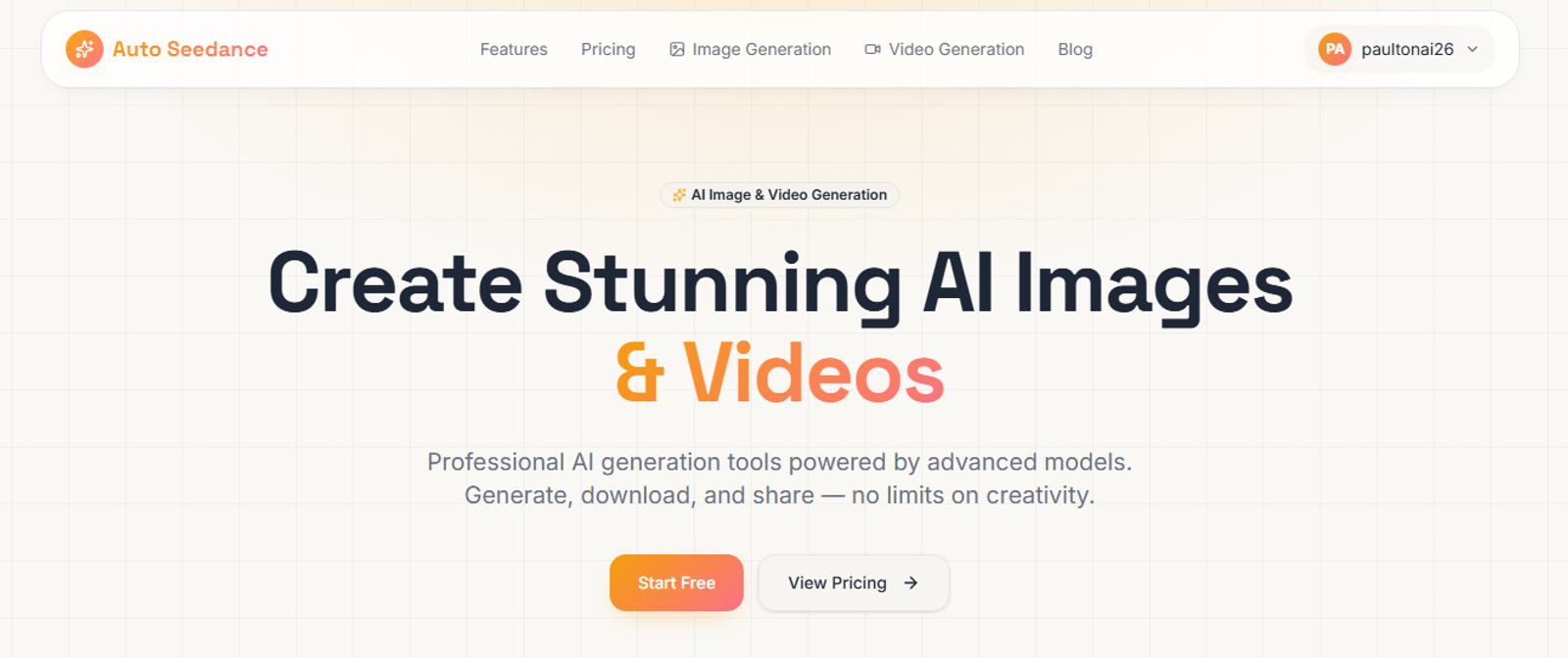
Full disclosure — this is our own tool, built around Seedream and Seedance 2.0 for image and video generation, with 50 free credits for new accounts and no credit card required to start.
It's included here for a specific reason, not because it's ours: I use it for scene-by-scene image generation feeding into 2D animation and illustrated explainer videos, and at the free tier it's a genuinely fast option compared to tools that gate video generation entirely behind paid plans.
The honest limitation, from my own workflow: like most tools in this category, maintaining exact character consistency across many scenes takes deliberate prompt management on my end. It's not automatic. If you're expecting one-click perfect continuity, no free tool here delivers that yet — Auto Seedance included. I still regenerate a scene here and there when a character drifts too far from the last one.
7. Opus Clip — Short-Form Repurposing
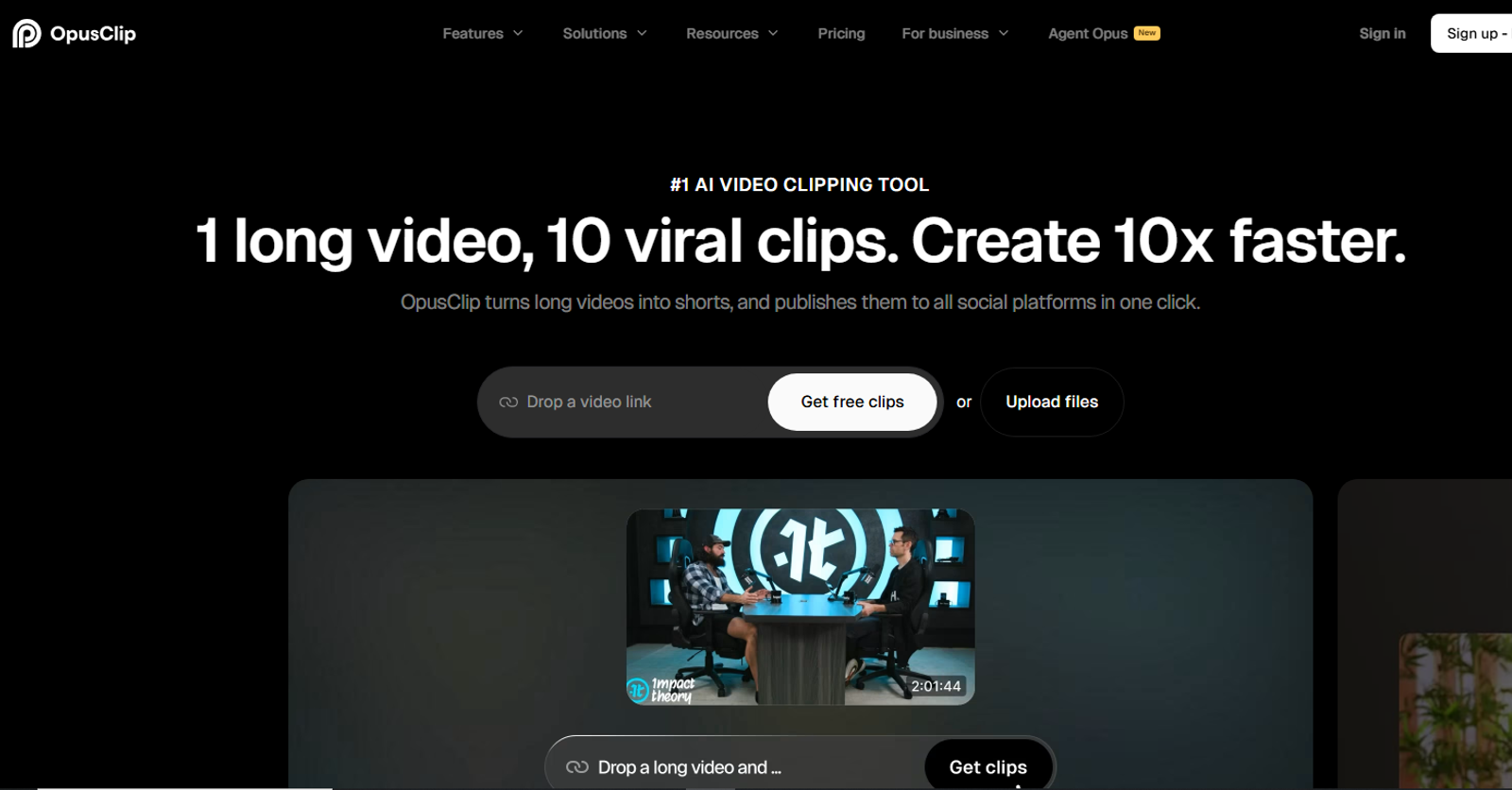
Opus Clip takes a long-form video and finds the clip-worthy moments automatically, scored by a virality metric. I ran one full-length video through it just to see what it would pick, and it caught two moments I probably would have skipped editing manually. Free tier limits monthly exports, but it's enough to test whether repurposing long content into shorts is worth your time before paying for anything.
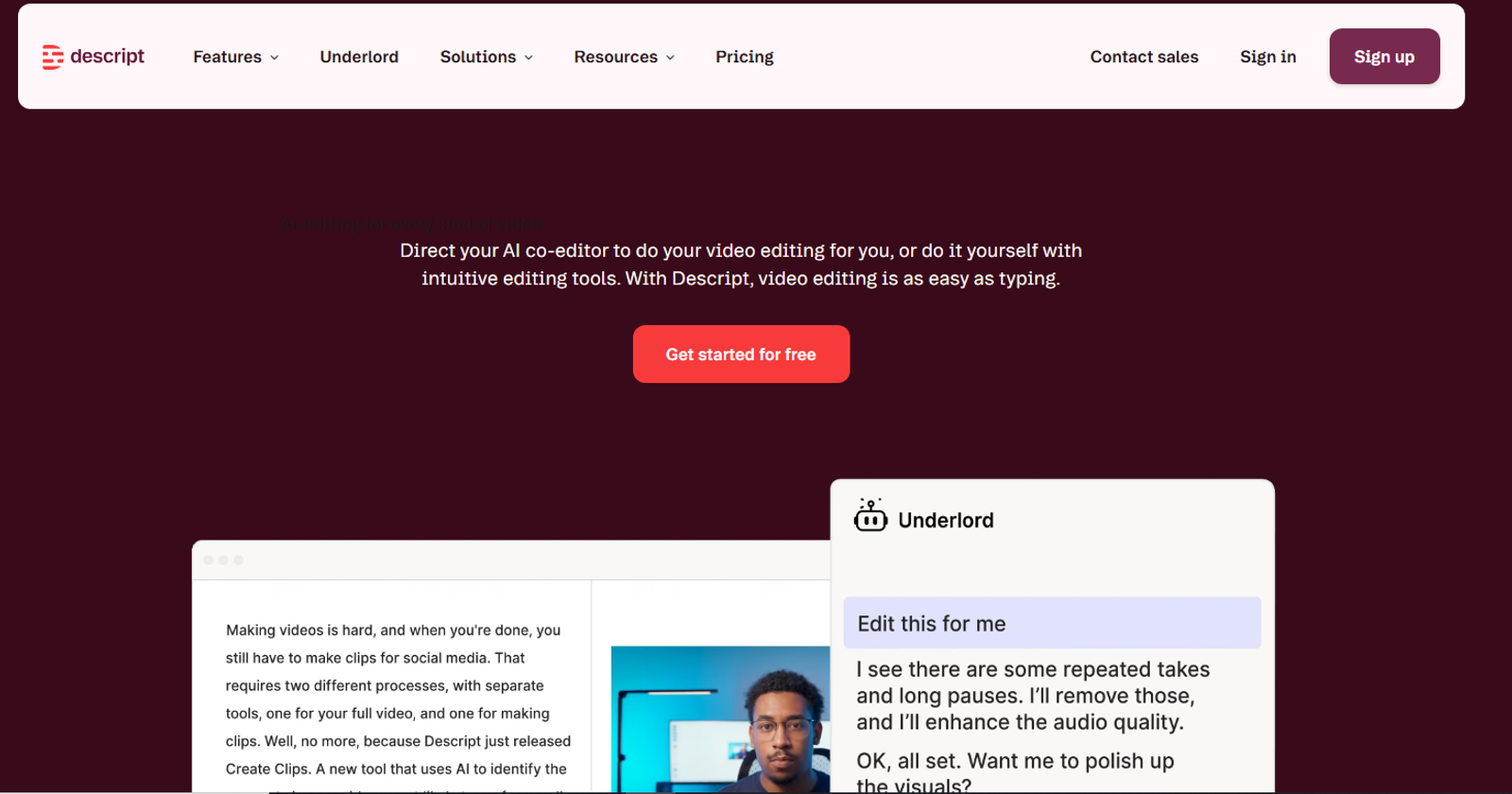
8. Descript — Transcription and Editing
Descript's edit-video-like-a-document approach is still one of the more genuinely useful ideas in this space. Free tier transcription accuracy has been solid on every clean-audio clip I've thrown at it. Editing got noticeably clunkier the one time I tried it on a clip with background traffic noise and two overlapping voices — not unusable, just slower than it should be.
9. Murf AI — Voiceover Alternative
Worth mentioning as a second option next to ElevenLabs. I tested it on a finance-style explainer script, and the more corporate, narration-style delivery actually fit better than ElevenLabs did for that particular tone. For anything with more personality or storytelling, I went back to ElevenLabs. If your content leans formal, test Murf first.

10. Ideogram — Image Generation Alternative
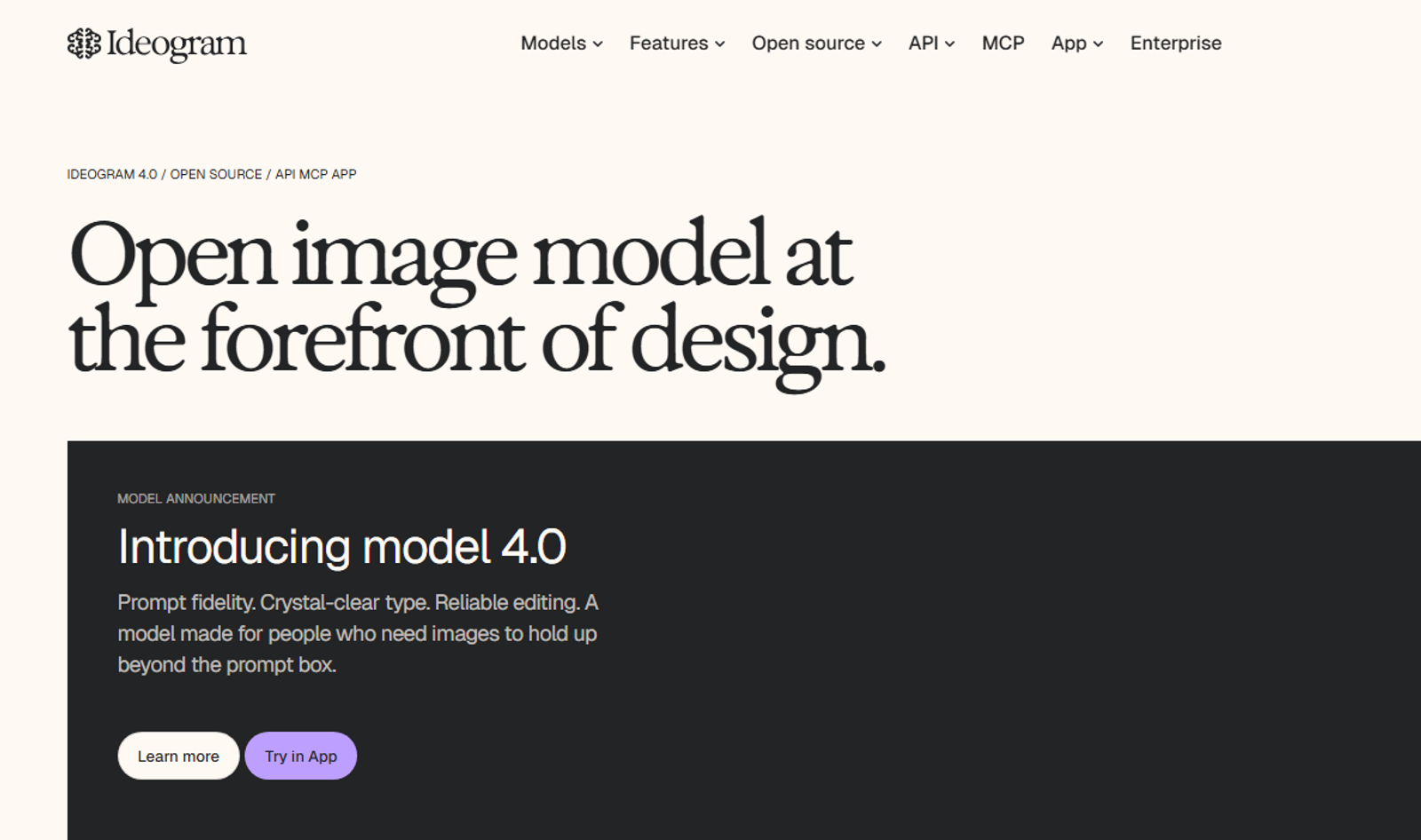
For text-heavy graphics — thumbnails with actual readable text baked into the image, posters, quote cards — Ideogram handles text rendering more reliably on its free tier than most image generators I've tried for the same job. Not a video tool, but a solid image companion to pair with anything on this list. I keep it around specifically for thumbnail text that needs to stay legible.
Common Mistakes When Picking Free AI Tools
- Judging a tool by its marketing page instead of its actual free-tier limits
- Stacking five overlapping tools instead of one solid tool per task
- Assuming "free" means unlimited — most gate the real capability behind credits or exports
- Skipping the edit step on AI voiceover output entirely
Who Should Use This List
Good fit: Solo creators and small teams testing a workflow before spending money, anyone building a faceless or animation-based channel, creators who need one tool per task rather than an all-in-one paid suite.
Not a great fit: Agencies needing enterprise collaboration features, or anyone expecting free tiers to match the polish of a fully paid, fully integrated stack. They won't — not yet, anyway.
Final Thoughts
None of these ten are magic. They're free versions of tools that get better once you pay — that's the honest trade-off with any "free tools" list.
What matters is picking one per task, testing it on a real piece of content, and only upgrading the ones that earn it.
Key Takeaways
- Higgsfield and Auto Seedance both offer free, no-credit-card video/image generation with different strengths
- CapCut remains the most reliable free editing option in 2026
- Edit AI voiceover output manually — don't publish it raw
- Free tiers are best for testing a workflow, not running a full production pipeline long-term
- Pick one tool per task instead of stacking overlapping free trials
Frequently Asked Questions
Are these tools actually free, or free-trial-only?+
All ten have a genuine ongoing free tier, not just a time-limited trial — though usage limits (credits, exports, minutes) vary by tool.
Which tool is best for a beginner with no editing experience?+
CapCut for editing and Canva AI for graphics have the lowest learning curve of the ten.
Can I build a full YouTube channel using only free tiers?+
Yes, at a small scale. Export limits and credit caps will eventually push you toward a paid plan as output volume grows.
Is Auto Seedance affiliated with any of the other tools listed?+
No. Auto Seedance is disclosed here as our own product, included based on its actual free-tier capability, not any partnership with the other nine tools.
Will free tiers stay free in 2026?+
Pricing structures shift often in this space. Treat any free tier as subject to change and check current terms before building a workflow around it.
Keep reading
Suggested Related Articles
GPT-6 Sol vs Luna: What OpenAI's Pricing Table Actually Means
GPT-6 Sol and Luna launched September 2026 with a pricing table that confused much of Reddit on day one. Here's the real cost breakdown, the naming trap versus GPT-5.6, and which model actually fits your work.
How to Automate Product Video From Your Ecommerce Catalog With AI
AI product video automation actually works two different ways — generative AI and template-based pipelines. Here's the full workflow, which tools fit which job, and what goes wrong once you scale past a handful of products.
10 Best AI Video Generators for Faceless YouTube Channels in 2026 (Real Costs, Real Workflows)
We compared 10 AI video generators for faceless YouTube channels in 2026 — real creator-reported costs, an honest look at one-click vs. manual workflows, and which tool actually fits your format and budget, not just the highest-rated demo reel.
How to Use ChatGPT Images 2.5 for AI Photo Editing
The prompt structure that makes ChatGPT Images 2.5 editing work, plus Sketch, comments, templates, Flare vs Sunburst, pricing, and the real limits.