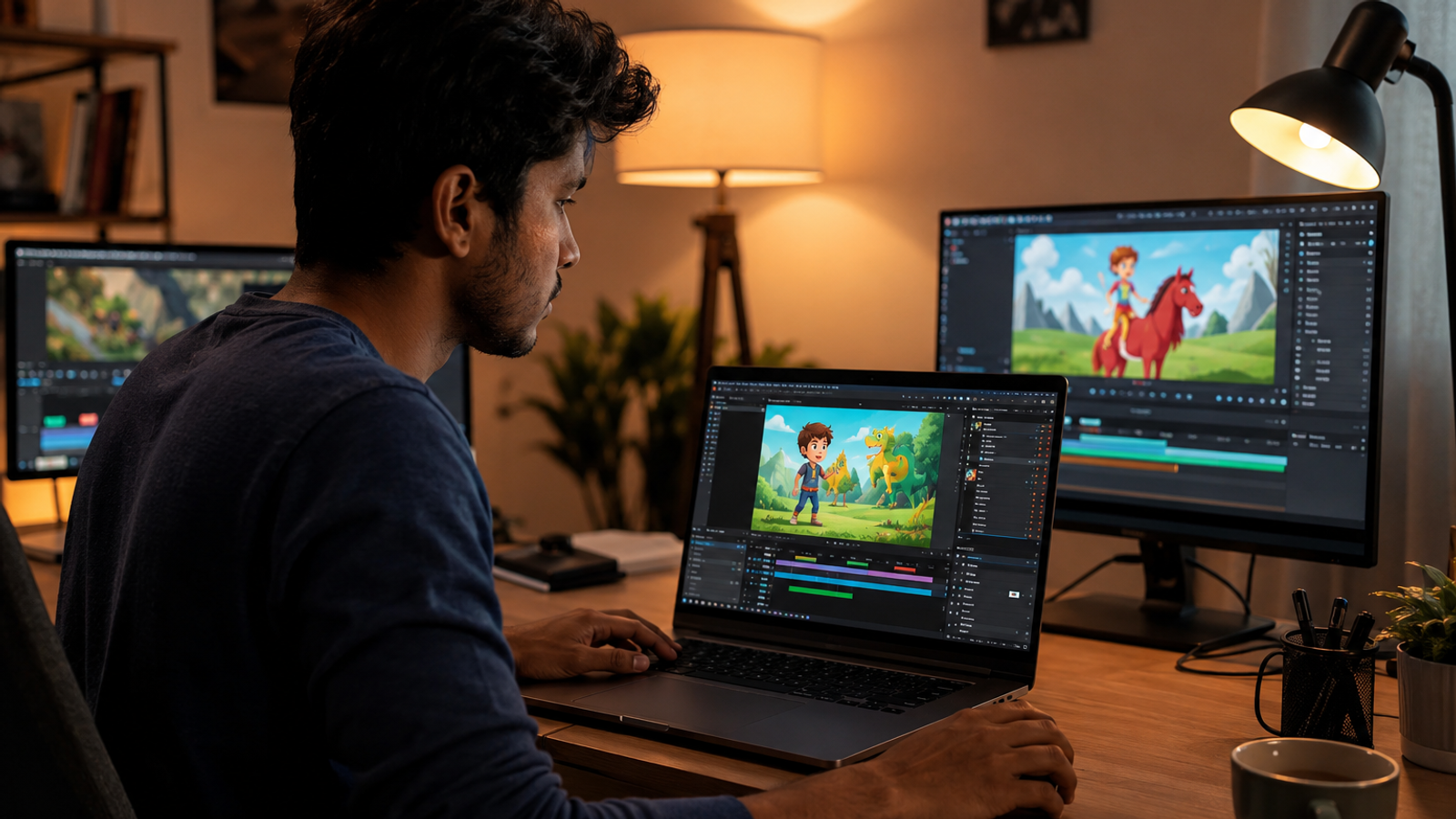
How I Make 2D Animation Videos With AI Tools
A real, two-year-tested workflow for making 2D animation videos with AI — from niche selection and scripting to voiceover, image-to-video generation, and upload timing.

Umer Khan has spent the last two years building and testing AI-assisted content workflows for YouTube, from scripting to 2D animation. He writes about what actually works in AI video production including the parts that don't.
I didn't start out making animation. I started out failing at it.
My first channel had six niches crammed into one feed — a finance explainer on Monday, a cartoon short on Wednesday, something that was supposed to be a documentary on Friday. Nothing stuck. YouTube didn't know what to recommend my channel for, and honestly, neither did I.
Two years later, the process looks completely different. Not because I found a magic tool. Because I stopped skipping steps.
This is that process, start to finish.
1. Pick One Niche and Actually Stay There
Before any tool, any script, any AI — you need to know what kind of 2D animation you're making. Documentary-style. Explainer videos. Educational content. Finance breakdowns. Cartoon storytelling.
Pick one. Just one.
I know that sounds obvious written down. It wasn't obvious to me at month three. I kept telling myself variety would keep the channel "fresh." It didn't. It kept the algorithm confused, and a confused algorithm doesn't recommend your videos to anyone.
Stick to a single category for at least your first 20 uploads. Switch later if you want. Not now.
2. Where Topic Ideas Should Come From
You can ask Claude or ChatGPT for topic ideas. I do, sometimes, when I'm stuck. But I don't lead with it anymore.
Here's why. YouTube has gotten noticeably more aggressive about flagging inauthentic content for monetization review in 2026. Channels that look like they're running entirely on AI-generated everything — ideas, script, voice, visuals — get extra scrutiny. I've seen it happen to channels in my own niche.
So think the topic through yourself first. Use AI to expand or refine it. Not to originate it.
3. The Script Is the Video — Not the Visuals
People obsess over the animation style. Wrong place to obsess.
The script decides whether someone watches 10 seconds or the full video.
A brilliant-looking animation with a flat script gets skipped. A rough-looking animation with a script that hooks in the first five seconds gets watched to the end.
Write the hook first. Then the structure. Then fill in the middle. Read it out loud before you record anything — if you stumble reading it, your viewer will stumble watching it.
4. Voiceover: Do It Yourself First
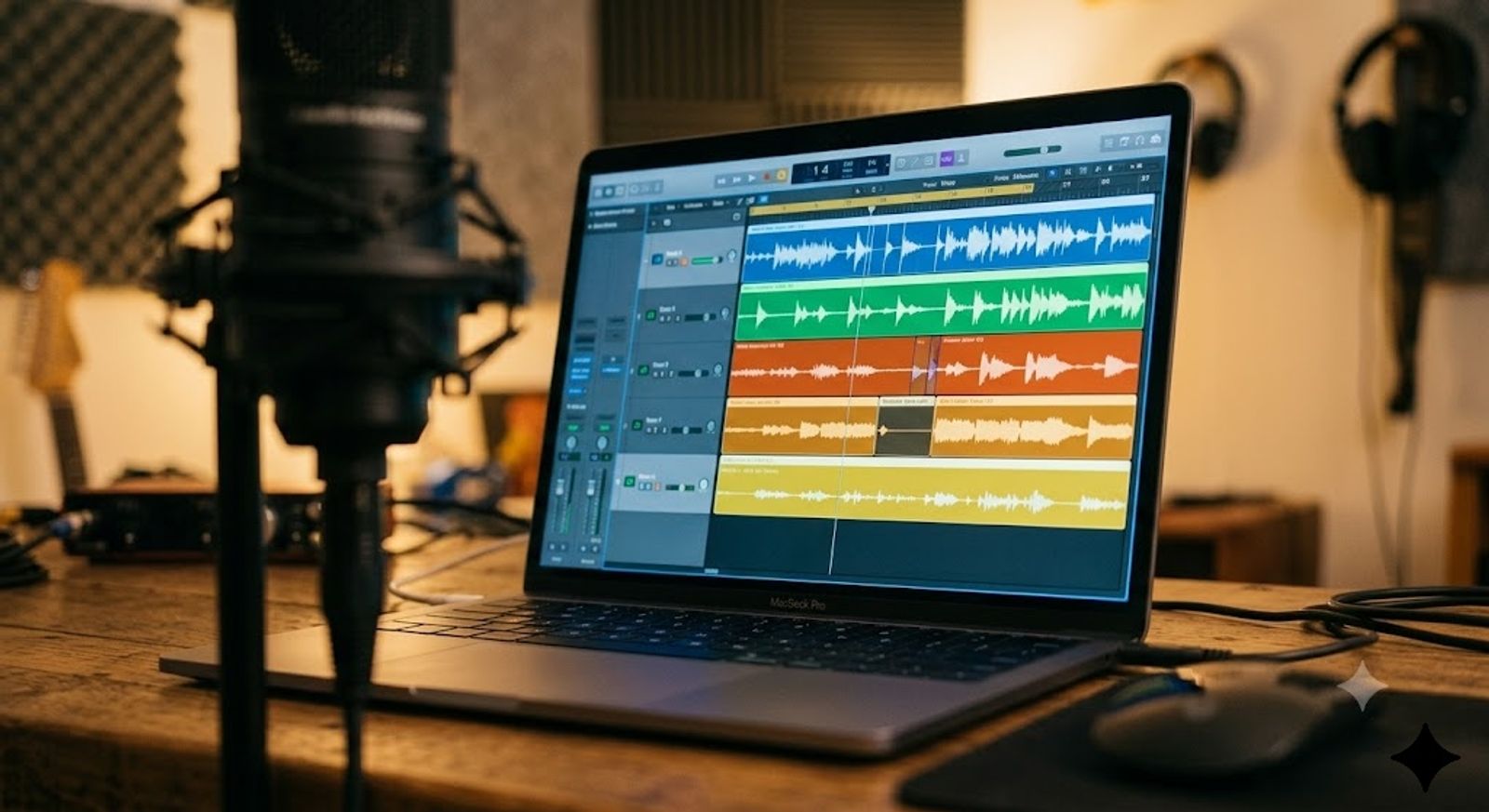
This one surprised me. Doing my own voiceover, even a rough one, made a real difference in how smoothly my monetization application went. I can't prove causation with certainty — YouTube doesn't publish that kind of detail — but the pattern across my own channel and a few others I've talked to was consistent enough that I stopped ignoring it.
If your own voice genuinely doesn't work for the content, ElevenLabs and similar tools (paid or free tier) are fine. But don't upload the raw AI output. Edit it. Adjust pacing, cut the robotic pauses, add emphasis where a real narrator would. An unedited AI voice sounds like an unedited AI voice, and viewers notice before they can even articulate why something feels off.
5. Turning Script Into Visuals With AI
Once the script and voiceover are locked, this is where image-to-video tools come in.
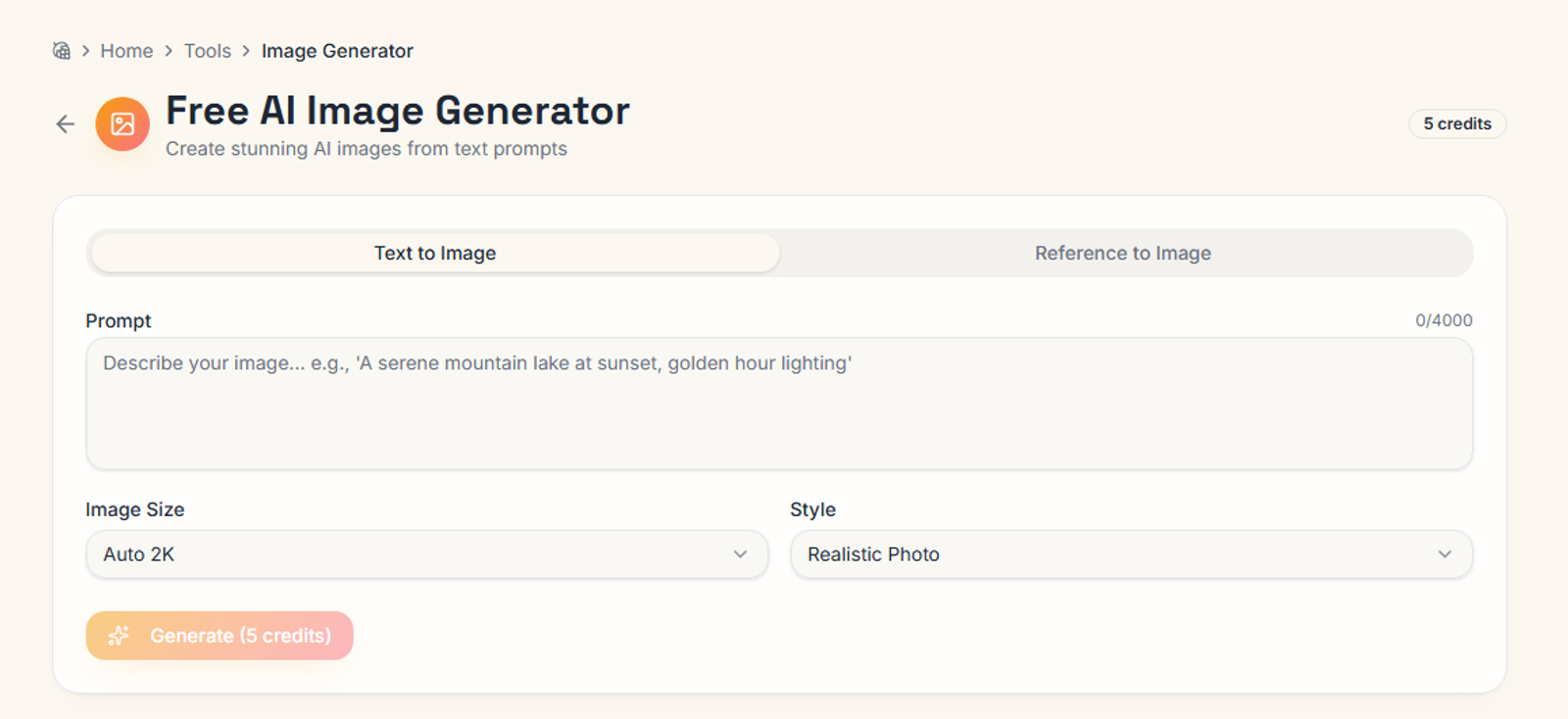
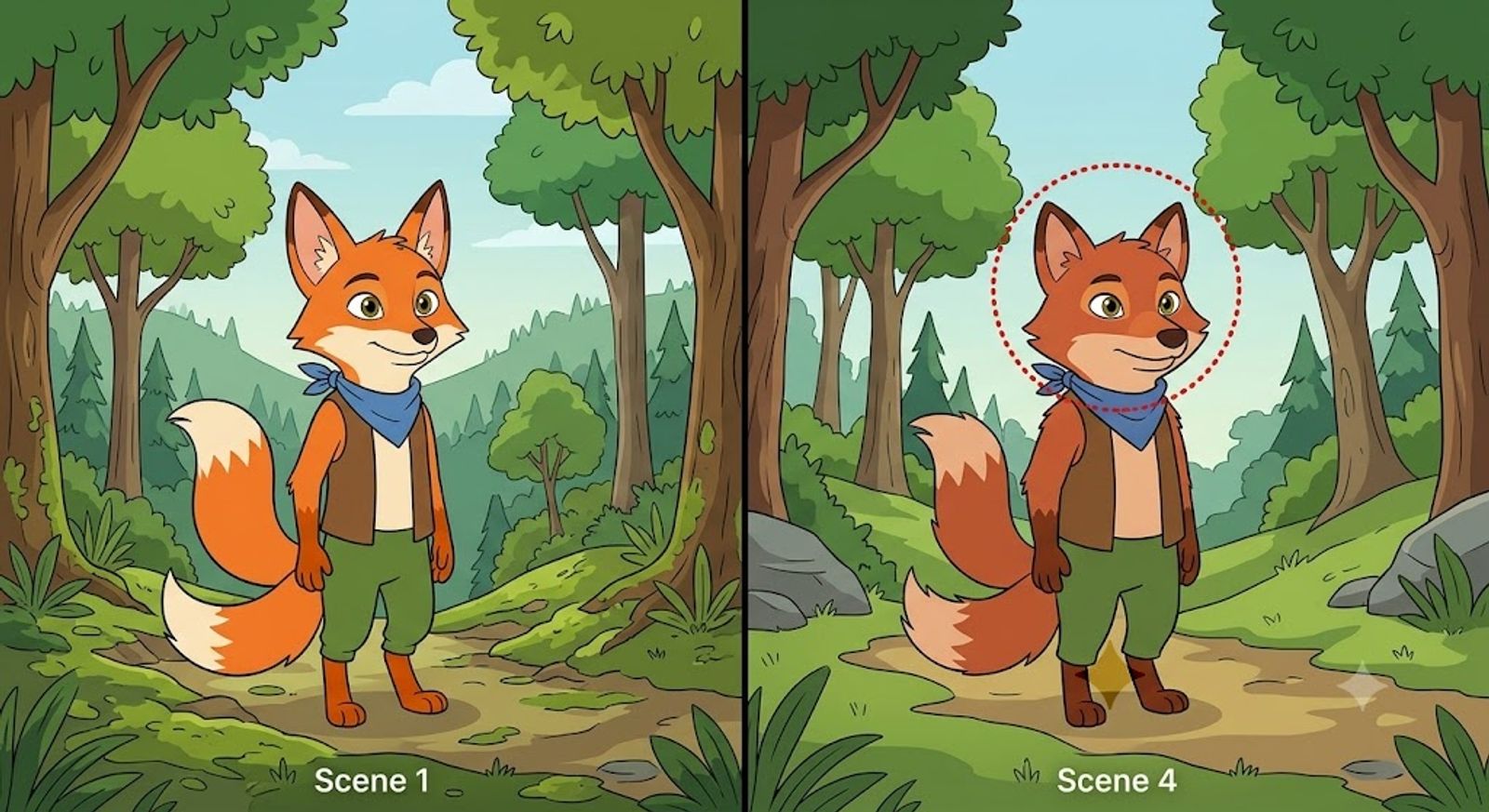
There are a lot of them right now. My own tool, Auto Seedance, is one option — it runs on Seedance 2.0, ByteDance's current generation model, for the image and video generation side. I'm not going to pretend it's the only tool that works, because it isn't. What matters more than which tool you pick is whether your visual style stays consistent across the whole video. A character that looks slightly different in scene four than in scene one breaks immersion fast.
Generate scene by scene.
Don't rush this stage — it's the one part of the process where cutting corners shows up most obviously in the final video.
6. Editing: Where the Video Actually Comes Together
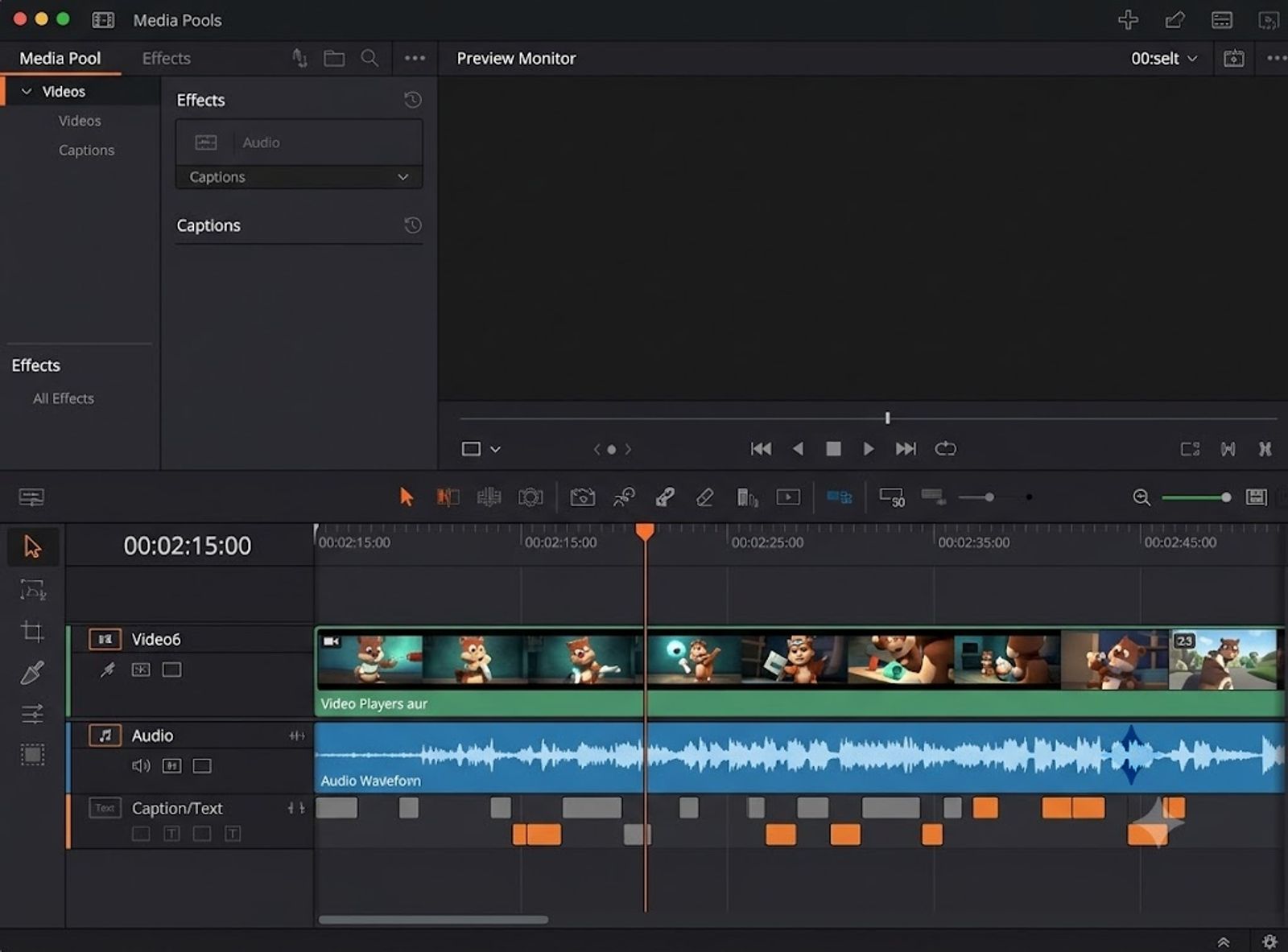
CapCut or a comparable editor is where the separate pieces — voiceover, generated scenes, music, captions — actually become a video. This is not a step to skip or rush through in five minutes. Pacing gets fixed here. Dead air gets trimmed here. The difference between an 8-minute video that holds attention and one that loses half its audience by minute three often comes down to editing decisions, not the animation quality itself.
7. Upload Timing and Audience Targeting
Know which country or audience you're targeting before you upload — it affects the best time to post, not just as a vague "post when your audience is online" rule, but specifically tied to time zones for that audience. A video aimed at a US audience posted at a time that suits Pakistan Standard Time will quietly underperform, and it's easy to miss why.
8. SEO That Isn't an Afterthought
Title, description, tags — all of it matters, but it matters after the content is genuinely good, not instead of it. SEO gets a video discovered. It doesn't get a video watched to the end. Both have to work together.
9. The 20-Video Rule Nobody Wants to Hear
Results don't show up early. In my experience, and in conversations with other creators in this space, twenty videos is roughly the point where consistent patterns start to emerge — which topics work, which don't, where retention drops. Fewer than that, and you're mostly guessing based on noise.
This is the part people quit before reaching.
Consistency matters more than any single video's performance.
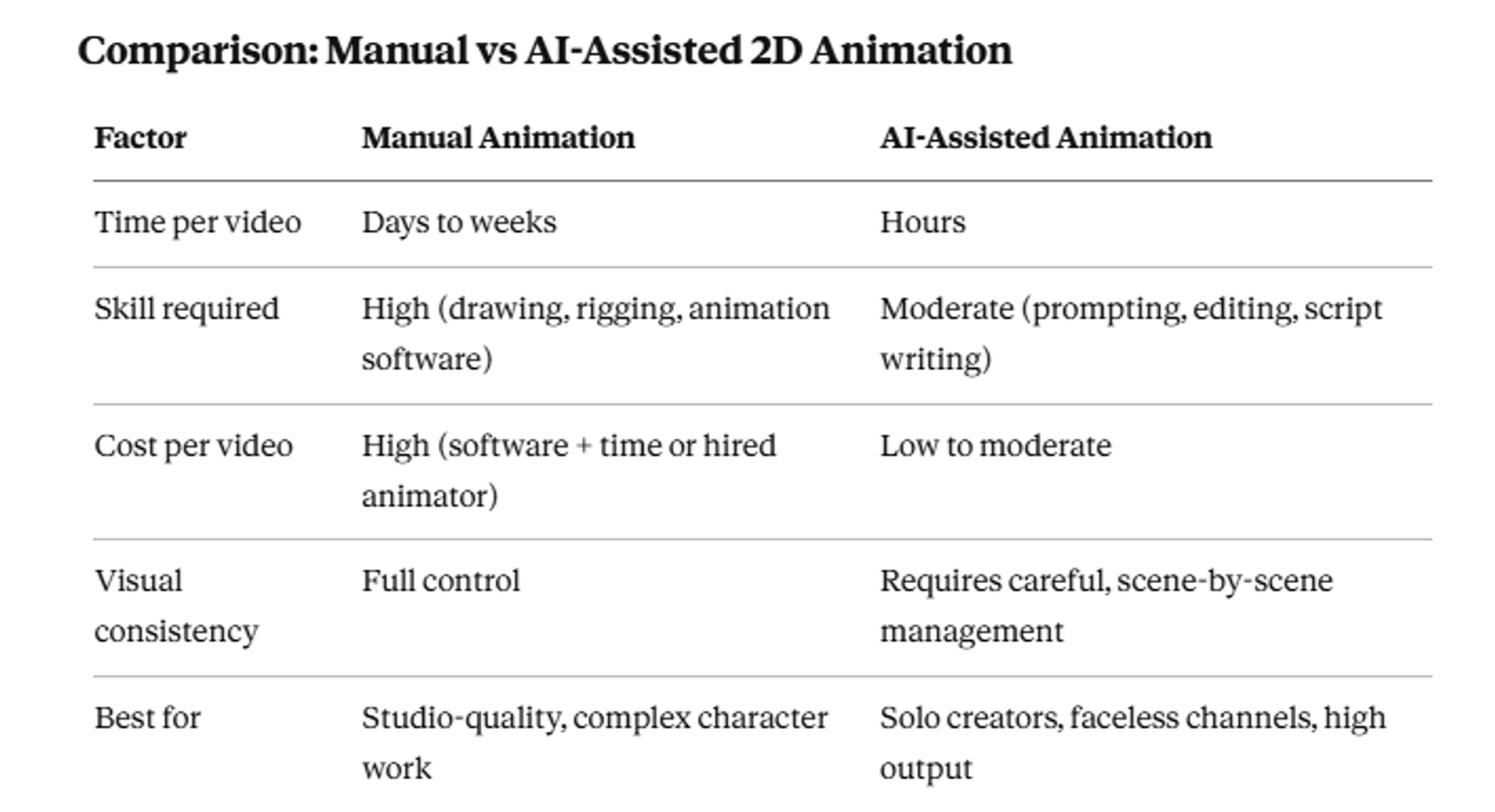
Comparison: Manual vs AI-Assisted 2D Animation
Common Mistakes I Made
- Changing niche every few weeks because early videos didn't perform
- Using raw, unedited AI voiceover straight out of the tool
- Skipping the script outline and "figuring it out" during recording
- Uploading without checking what time zone the target audience is actually in
- Judging the whole approach after five videos instead of twenty
Who This Process Is For
Good fit: Solo creators building a faceless channel, people testing a niche before committing budget to a team, creators who can write but can't draw or animate by hand.
Not a great fit: Anyone expecting studio-level, fully custom character animation with zero inconsistency. AI-assisted animation still has visible seams if you look closely. If that's a dealbreaker for your brand, this isn't the shortcut you're looking for yet.
Final Thoughts
None of this is complicated once you see it laid out. Niche, script, voice, visuals, edit, upload, repeat.
What's hard is doing it the same way twenty times in a row without getting bored or switching direction halfway through. That's the actual skill. The tools are just tools.
Key Takeaways
- Pick one niche and stay in it for at least 20 videos
- Think of topic ideas yourself first; use AI to refine, not originate
- The script matters more than the animation quality
- Record your own voiceover when possible; edit any AI voice you do use
- Keep visual style consistent scene to scene
- Time your uploads to your actual target audience's time zone
- Give the process 20 videos before judging results
Frequently Asked Questions
Can I mix niches on one channel?+
You can, but it tends to confuse the recommendation algorithm and slow growth. One niche, at least early on, performs better.
Do I need drawing skills to make 2D animation videos with AI?+
No. Tools like Auto Seedance generate scenes from text prompts, so the core skill shifts from drawing to scripting and prompt writing.
Will using an AI voice hurt my monetization approval?+
There's no official confirmation from YouTube tying voice type directly to approval outcomes. Based on my own experience and conversations with other creators, edited human or heavily-edited AI voice tends to go smoother than raw, unedited AI narration.
How many videos before I know if a niche is working?+
Around 20 is the point where I've seen patterns become clear enough to judge fairly.
What editing software works best for this style?+
CapCut is common and free-tier friendly. Any editor that handles layered voiceover, generated video clips, and captions well will work.
Is Seedance 2.0 the only model worth using for 2D animation?+
No. It's the one I use through Auto Seedance, but several image-to-video models exist. Consistency across scenes matters more than which specific model you pick.
How long should a script be for an 8-10 minute animation video?+
Long enough to fill the runtime at a natural speaking pace — typically 1,100 to 1,400 words for an 8-10 minute video, depending on pacing and pauses.
Keep reading
Suggested Related Articles
GPT-6 Sol vs Luna: What OpenAI's Pricing Table Actually Means
GPT-6 Sol and Luna launched September 2026 with a pricing table that confused much of Reddit on day one. Here's the real cost breakdown, the naming trap versus GPT-5.6, and which model actually fits your work.

How to Automate Product Video From Your Ecommerce Catalog With AI
AI product video automation actually works two different ways — generative AI and template-based pipelines. Here's the full workflow, which tools fit which job, and what goes wrong once you scale past a handful of products.
10 Best AI Video Generators for Faceless YouTube Channels in 2026 (Real Costs, Real Workflows)
We compared 10 AI video generators for faceless YouTube channels in 2026 — real creator-reported costs, an honest look at one-click vs. manual workflows, and which tool actually fits your format and budget, not just the highest-rated demo reel.
How to Use ChatGPT Images 2.5 for AI Photo Editing
The prompt structure that makes ChatGPT Images 2.5 editing work, plus Sketch, comments, templates, Flare vs Sunburst, pricing, and the real limits.